
Always Stay Up to Date
Written by

Tizen 9.0 Features – Update
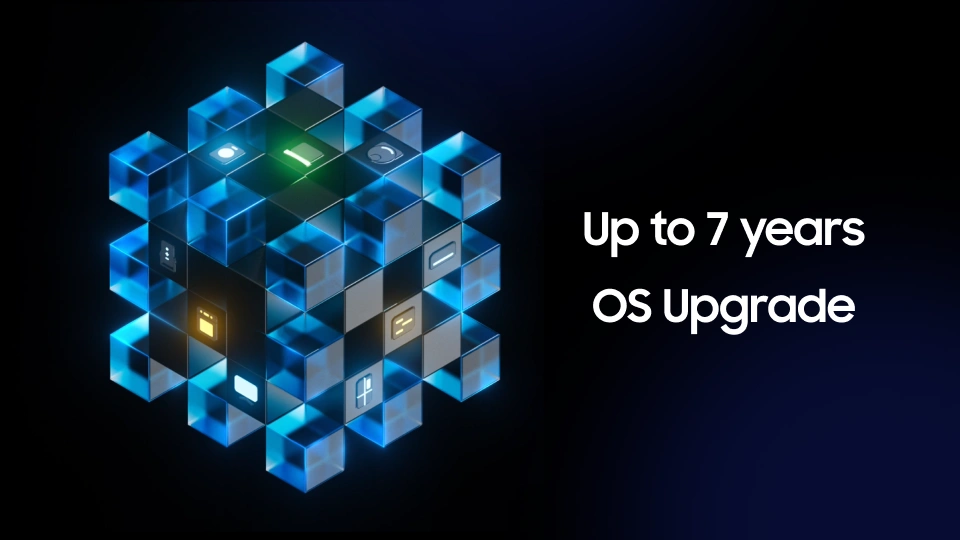
Long-Term OS Update Support
Tizen offers reliable and easy software updates, ensuring users can enjoy the latest OS version across a wide range of devices for as long as possible. Samsung’s smart TVs and appliances now receive OS upgrades for up to 7 years, delivering continuous feature enhancements and security improvements. This strategy not only extends product life but also ensures consistent user satisfaction.
Automated Service Updates with Zero Effort
Samsung Experience Service (SES) on Tizen automatically delivers new features and performance enhancements without requiring users to manually update apps. SES maintains consistency across all Tizen devices, keeping the entire system up-to-date. This allows users to enjoy improvements effortlessly, without lifting a finger.
Unified Experiences Across Tizen Devices
Core services like Knox Matrix, SmartThings, and Samsung Cloud deliver a seamless and consistent experience across all Tizen devices. Users benefit from an interconnected ecosystem—TVs, refrigerators, watches—that work in harmony. Regular Tizen updates continue to enhance this experience, integrating innovation naturally into daily life.
Fastest Adoption of Latest Web Technologies
Tizen updates the Chromium web engine twice a year, enabling fast adoption of the latest web standards. From Tizen 9.0 onward, the TV Web Browser supports secure logins using Passkey, biometric authentication, and Android/iOS devices. This brings desktop-level browsing capabilities to the living room.
Convenient Update Process Designed for Users
Tizen’s update system is designed to minimize user inconvenience. Updates are applied automatically via OTA (Over-the-Air), with a clean and intuitive user interface. This user-first update experience enhances the long-term value of Tizen-powered devices.
