
Update Samsung Certificate Extension for Smart TV SDK
Sep 17, 2025
1 min read
Written by

Tizen Team
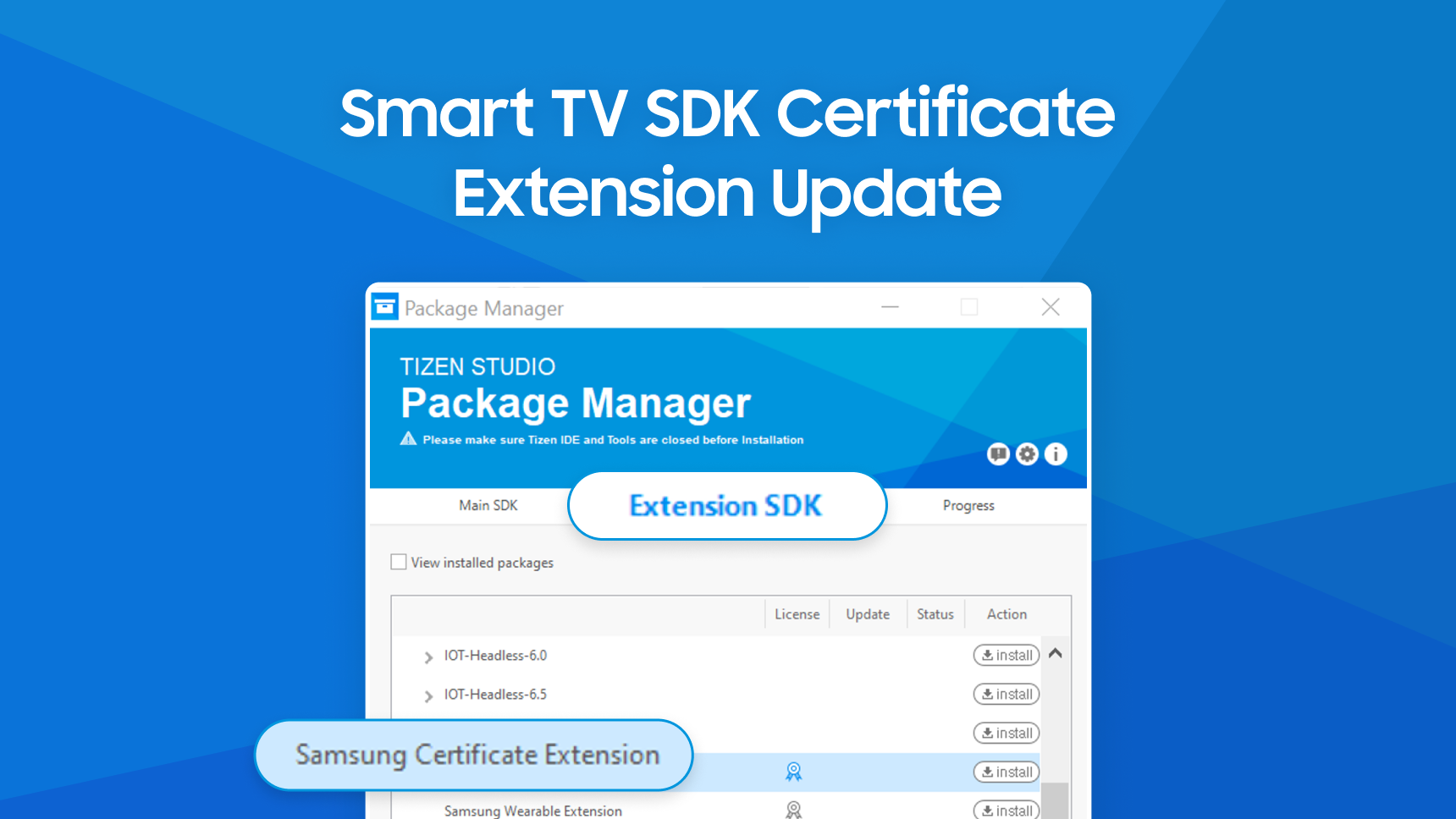
You need to update the Certificate Manager in Tizen Studio to the latest version.
If you use Certificate Manager versions prior to 2.0.74, you will not be able to generate new certificates.
For security improvements, it is important to update to the latest version.
Update Instructions:
Update Certificate Manager:
- If the Certificate Manager does not update automatically, update it manually.
- Open Package Manager in Tizen Studio and update the Certificate Manager package to the latest version.
Managing Existing Certificates:
- If you have existing certificates, back them up first.
- After updating, create a new Profile using the latest Certificate Manager.
- Use the existing certificate for the Author role and generate a new one for the Distributor role.
When using an older version of Certificate Manager, Certificate issuance will no longer be supported.
Please make sure to update to the latest version of Certificate Manager.
